

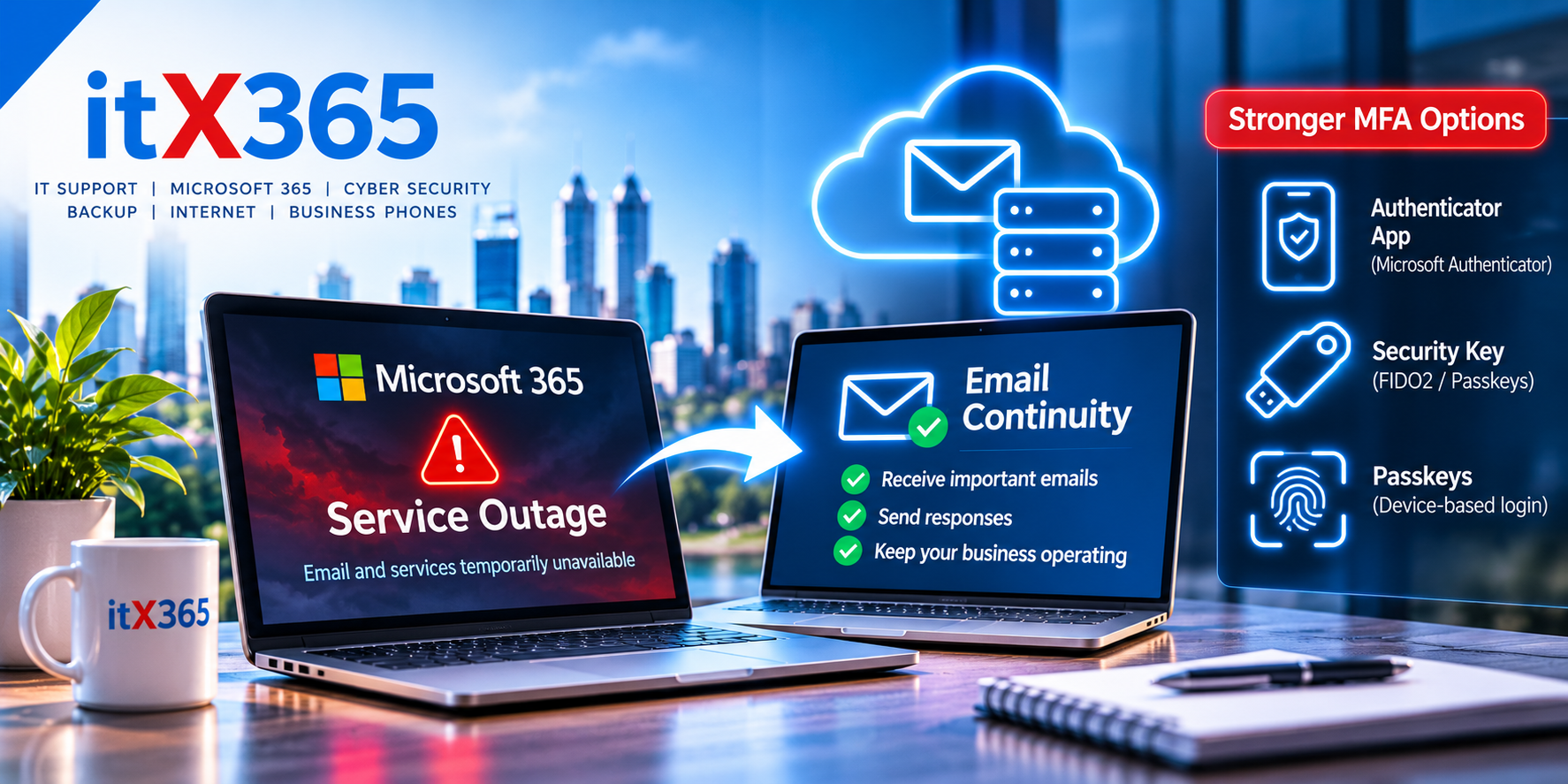
Microsoft 365 Outage: Should Your Business Have Backup Email and Alternative MFA?
The November 2026 Microsoft 365 outage highlighted an important question for Australian businesses: what happens when your email provider goes offline?
On Friday, 13 November 2026, Australian businesses were among those affected by a widespread Microsoft 365 service disruption.
For many organisations, Outlook and Exchange Online were unavailable or unreliable, email delivery was delayed, and features of other Microsoft 365 services were affected.
The incident lasted almost 24 hours globally, although the impact varied between users and regions.
For businesses relying on Microsoft 365 for everyday operations, the outage was a reminder that even major cloud platforms can experience significant disruptions.
It also raised two important questions:
Should businesses have a backup email system?
And should employees rely on email to receive Multi-Factor Authentication (MFA) codes?
Let’s explore what businesses can realistically do to reduce these risks.
What happened during the Microsoft 365 outage?
The November outage affected Microsoft’s Exchange Online infrastructure, disrupting access to mailboxes through Outlook and other email clients.
Other Microsoft 365 services and features that depend on Exchange Online were also affected.
Microsoft’s preliminary investigation identified a technical infrastructure issue involving systems responsible for establishing connections to Exchange Online.
The incident wasn’t attributed to a cyberattack.
For businesses, however, the cause was less important than the consequences.
Employees couldn’t reliably access email, customer communications were interrupted, and some businesses experienced difficulties accessing services that depend on Microsoft 365.
The outage highlighted the importance of business continuity planning.
Businesses can check Microsoft’s official Service Health Status page for information about current Microsoft cloud service disruptions. Microsoft 365 administrators can also access more detailed service health information through the Microsoft 365 Admin Centre.
The hidden risk of relying on one email provider
The recent Microsoft 365 outage demonstrated how dependent many businesses have become on a single cloud platform. While Microsoft 365 remains a highly capable business solution, organisations should consider how an extended service disruption could affect their communication and daily operations.
Email is used for far more than correspondence.
Businesses rely on email for customer enquiries, supplier orders, invoices, account notifications, password resets and verification codes.
When email becomes unavailable, these processes may also be interrupted.
This creates a potential single point of failure.
The solution isn’t necessarily to abandon Microsoft 365.
Instead, businesses should understand which operations depend on email and whether they need alternative arrangements during an outage.
Can businesses implement email failover?
Yes.
There are several ways to improve email continuity, but they provide different levels of protection.
Understanding the differences is important before investing in a solution.
Option 1: Email continuity and message queuing
One approach is to use an independent email continuity service.
Depending on the service and configuration, incoming email can be routed through a third-party provider before reaching Microsoft 365.
If Exchange Online becomes unavailable, the service may temporarily queue incoming messages and deliver them when Microsoft becomes available again.
This can help reduce the risk of messages being rejected or lost during an extended disruption.
However, there’s an important limitation.
Email queuing doesn’t necessarily mean employees can read or send messages while Microsoft 365 is unavailable.
For that, the business needs additional continuity capabilities.
Option 2: A secondary email platform
Some email continuity services provide an emergency webmail portal.
During a Microsoft 365 outage, authorised employees can potentially sign in to the independent platform to read incoming messages and send replies.
This is a more complete email continuity solution.
However, it needs to be configured and tested in advance.
Businesses should confirm whether the service supports incoming and outgoing email, how messages are synchronised after recovery, and how authentication and security are handled.
Not every email security gateway includes this functionality.
Option 3: Alternative communication channels
For many small businesses, the most practical solution may be much simpler.
Rather than maintaining a second email platform, they can establish alternative communication channels for critical situations.
These might include business mobile phones, a cloud phone system independent of Microsoft 365, SMS or a separate emergency messaging service.
The important requirement is that these alternatives don’t depend on the same Microsoft 365 services that may be unavailable.
For example, Microsoft Teams should not be the only emergency communication method if the objective is to prepare for a broader Microsoft 365 outage.
Is email failover worth the cost?
This depends on how critical email is to your business.
A small business that can operate using phone calls for a day may not need a dedicated email continuity platform.
For a legal practice, accounting firm, medical organisation or distribution business, however, losing email for an entire working day may have a much greater impact.
The decision should be based on the cost of downtime.
Consider the following questions:
- How many employees depend on email?
- What happens when customers cannot reach the business by email?
- Are important orders, invoices or instructions received through email?
- Can employees communicate with customers using another channel?
- What would several hours without email cost the business?
- Are there regulatory or contractual communication requirements?
A secondary email platform introduces additional licensing, configuration, monitoring and administrative costs.
For some businesses, that expense will be justified.
For others, an alternative communication plan may provide better value.
The goal isn’t to eliminate every possible outage. It’s to make sure the cost of preventing disruption is proportionate to the business risk.
The second problem: using email for MFA
The Microsoft outage also highlighted another important issue.
Many online services use email to deliver one-time verification codes.
For example, an employee might sign into an accounting platform, supplier portal or business application.
The service sends a verification code to the employee’s Microsoft 365 mailbox.
The employee must enter that code to complete the login.
But what happens when Microsoft 365 email is unavailable?
The employee may be unable to sign into an otherwise functioning application simply because the verification email cannot be received.
This creates an unnecessary dependency on email availability.
And availability isn’t the only concern.
Email-based verification can also be vulnerable if the mailbox itself is compromised.
Where stronger authentication methods are supported, businesses should consider using them instead.
Better alternatives to email-based MFA
There are several options, and not all provide the same level of security.
1. Microsoft Authenticator
Microsoft Authenticator is a practical option for many businesses.
It can support push notifications, number matching and time-based one-time passwords, depending on the application.
Time-based codes generated by an authenticator app do not require an email to arrive and can generally be generated without an internet connection.
However, push notifications still depend on the relevant authentication service and network connectivity.
This distinction matters.
An authenticator app can reduce reliance on email, but it doesn’t guarantee access during every identity-provider outage.
2. Passkeys and security keys
Passkeys and FIDO2 security keys provide a stronger authentication option where supported.
These methods use cryptographic authentication and are designed to resist phishing attacks.
Physical security keys can be particularly useful for administrators and employees accessing sensitive business systems.
They also avoid reliance on email-delivered verification codes.
However, authentication still depends on the application and its identity infrastructure being available.
3. Authenticator apps supporting TOTP
Many business applications support time-based one-time passwords (TOTP).
These codes can be generated by compatible authenticator applications without receiving an email or SMS message.
This makes TOTP useful for applications that don’t support passkeys or security keys.
TOTP is not phishing-resistant, but it can provide a practical alternative to email-based verification.
4. SMS verification
SMS can provide an alternative when email is unavailable.
However, SMS authentication has limitations, including risks associated with SIM swapping, mobile account compromise and interception.
Where supported, phishing-resistant methods are preferable.
SMS may still be useful as a fallback for services that don’t support stronger options.
Don’t create another single point of failure
Moving every MFA code from email to a single employee’s mobile phone isn’t necessarily a complete solution.
What happens if that phone is lost, damaged or unavailable?
Businesses should plan account recovery as carefully as authentication.
For important systems, consider appropriately controlled backup authentication methods, registered security keys and documented recovery procedures.
Administrator accounts deserve particular attention.
A business should never discover during an emergency that its only administrator cannot sign in because the sole authentication device is unavailable.
What about Microsoft 365 backups?
There’s another important distinction.
Backing up Microsoft 365 data does not mean Microsoft 365 will remain operational during an outage.
A Microsoft 365 backup may help recover deleted or damaged information.
It generally doesn’t provide a live replacement for Exchange Online, Outlook or Microsoft’s authentication infrastructure.
Backup and service continuity solve different problems.
Businesses should consider both, based on their operational requirements.
What should Perth businesses implement?
For most small businesses, we recommend starting with practical measures rather than immediately investing in expensive secondary systems.
First, identify the applications and services that depend on Microsoft 365 email.
Next, review which third-party applications use email for verification and move to authenticator apps, passkeys or security keys where appropriate.
Then establish an alternative way for employees and customers to communicate during an outage.
For businesses where email availability is critical, evaluate a dedicated email continuity service that provides genuine emergency access rather than simply storing incoming messages.
Finally, test the arrangements.
A continuity plan that has never been tested may not work as expected when it’s needed.
Business continuity is about more than backups
The November Microsoft 365 outage demonstrated that business continuity isn’t only about protecting data from deletion or hardware failure.
It also means preparing for situations where an important external service becomes temporarily unavailable.
A good continuity plan considers:
- Email availability
- Alternative communication channels
- Authentication methods
- Access to critical applications
- Internet connectivity
- Backup and recovery
- Employee procedures during an outage
The objective is to reduce the impact of an outage rather than assume that outages can be completely prevented.
How itX365 can help
At itX365, we help Perth businesses manage Microsoft 365, cybersecurity, backups, internet connectivity and business continuity.
Our approach is to understand how your business operates and identify which technology dependencies could cause significant disruption.
That might involve reviewing your authentication methods, implementing stronger MFA, evaluating email continuity services or developing practical alternatives for communicating during an outage.
Not every business needs an expensive failover platform.
But every business should understand what happens when its most important technology services become unavailable.
Could your business operate without Microsoft 365 email for a day?
If you’re unsure, now is a good time to find out.
Talk to itX365 about reviewing your Microsoft 365 security, email continuity and business disaster recovery arrangements.
Because business continuity isn’t about preventing every outage.
It’s about keeping your business operating when technology doesn’t.