

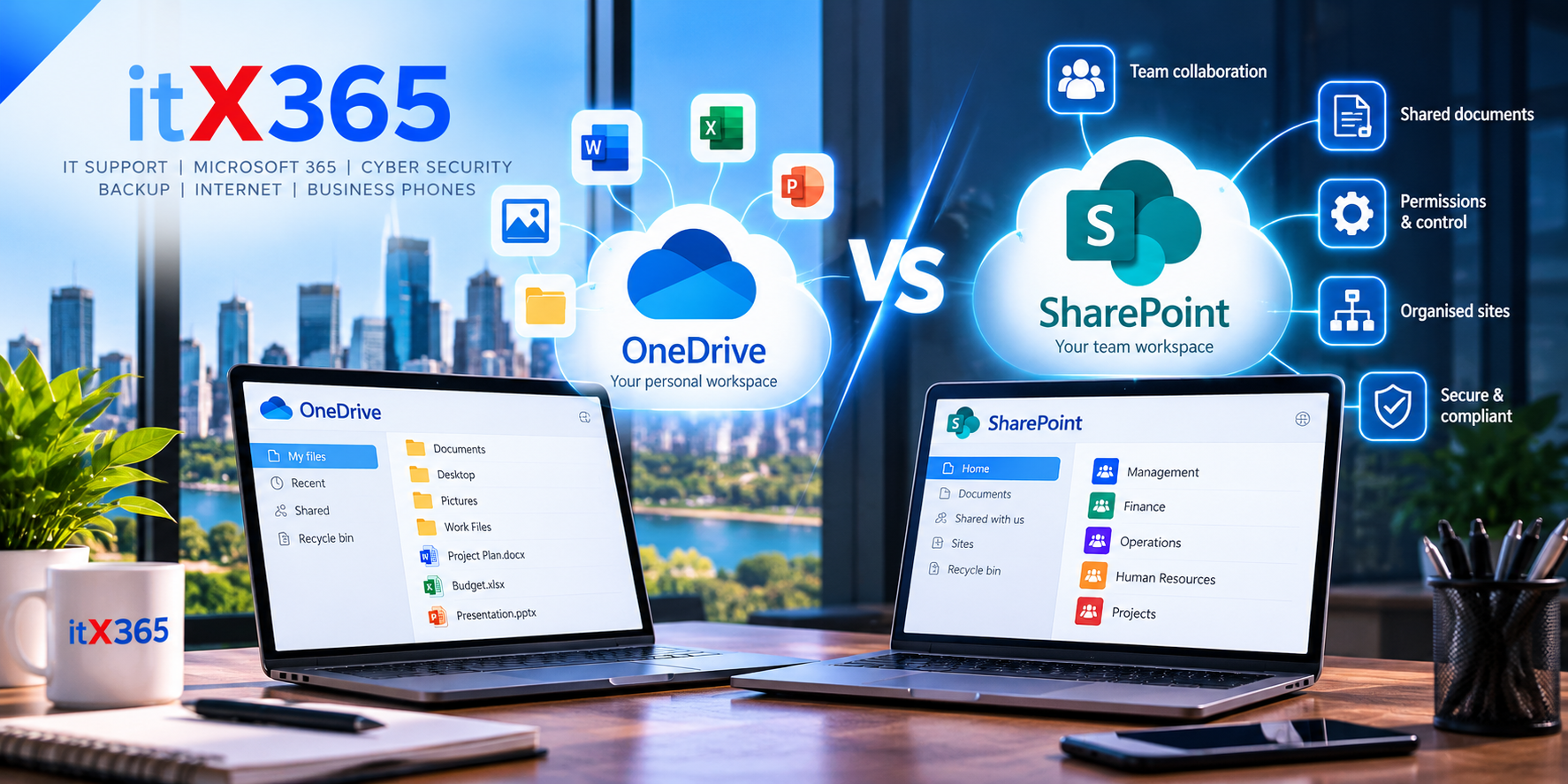
Here’s the short answer. OneDrive is for your own work files. SharePoint is for the files your team shares. If a file only matters to you, keep it in OneDrive. If someone else needs it, or the business will still need it after you’ve moved on, put it in SharePoint. People mix them up all […]
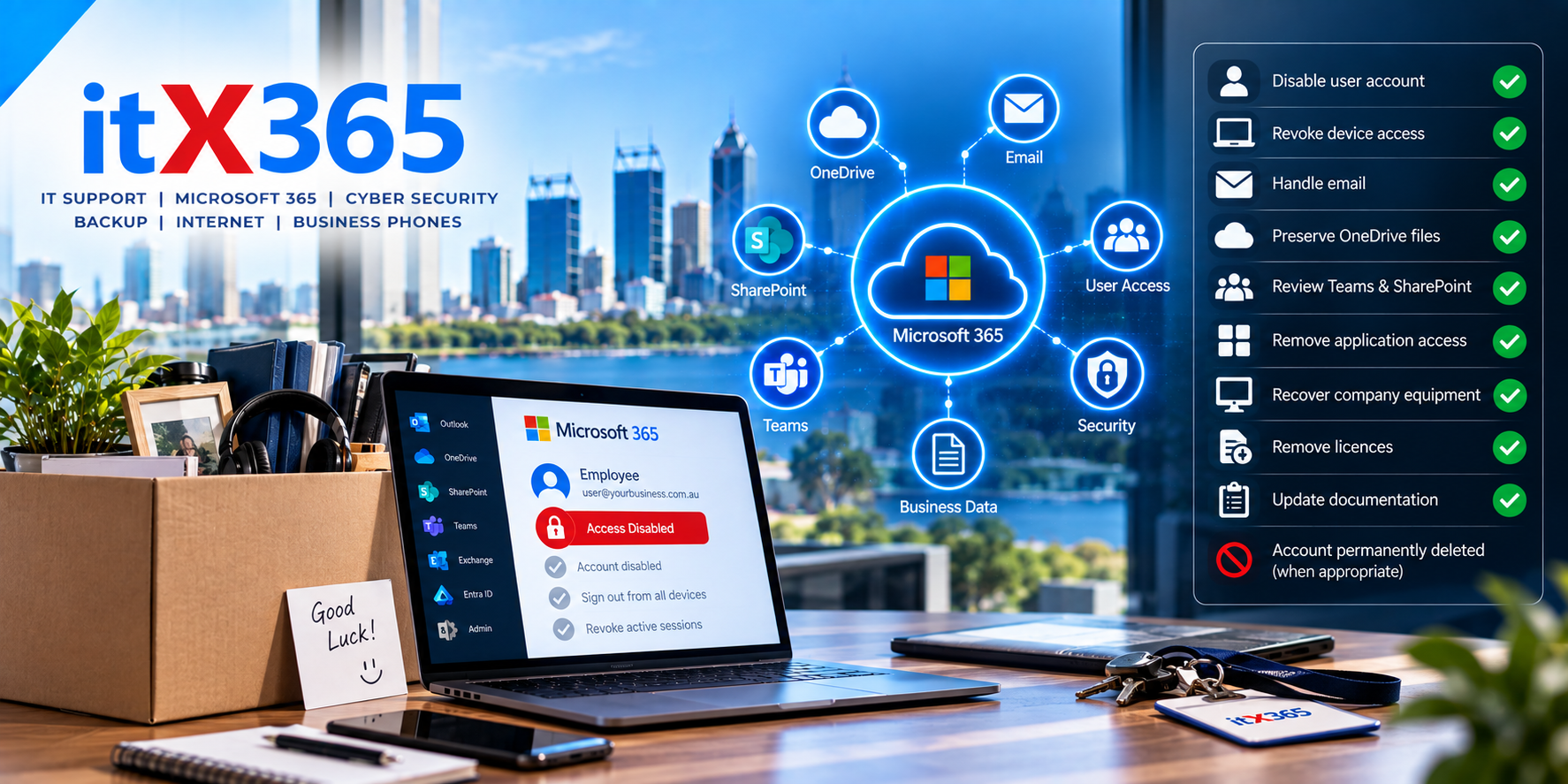
When an employee leaves your business, changing their password isn’t enough. Learn how to properly remove IT access while protecting email, files and company data.
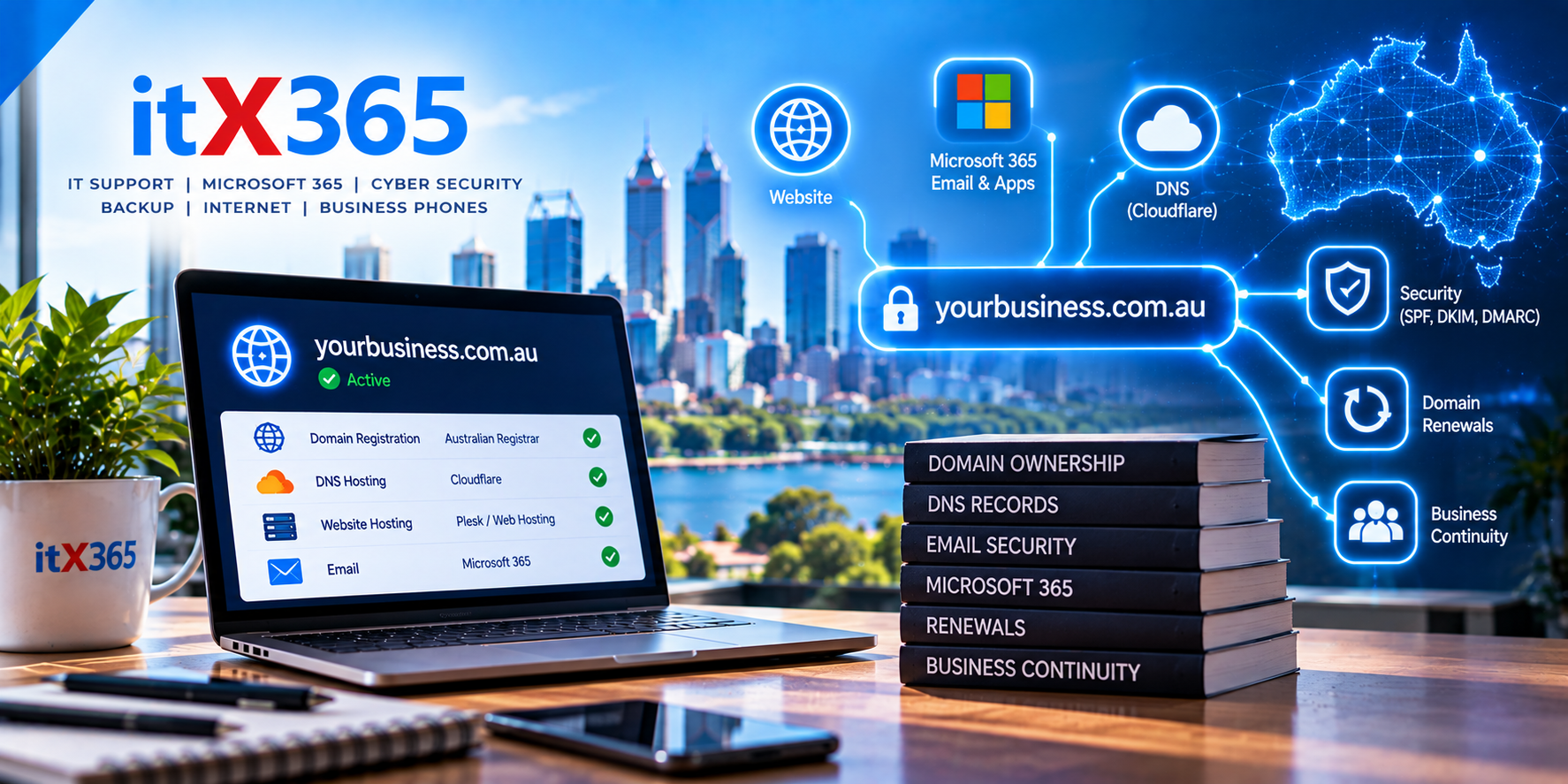
Do you know who controls your business domain? Learn why domain ownership, DNS, renewals and security are critical to your website, email and Microsoft 365.

AI Tools in the Workplace: What Businesses Should Consider Before Giving Them Access to Company Data
AI can provide major productivity benefits, but connecting AI tools to Microsoft 365 can also expose company information. Learn what businesses should check before granting access.
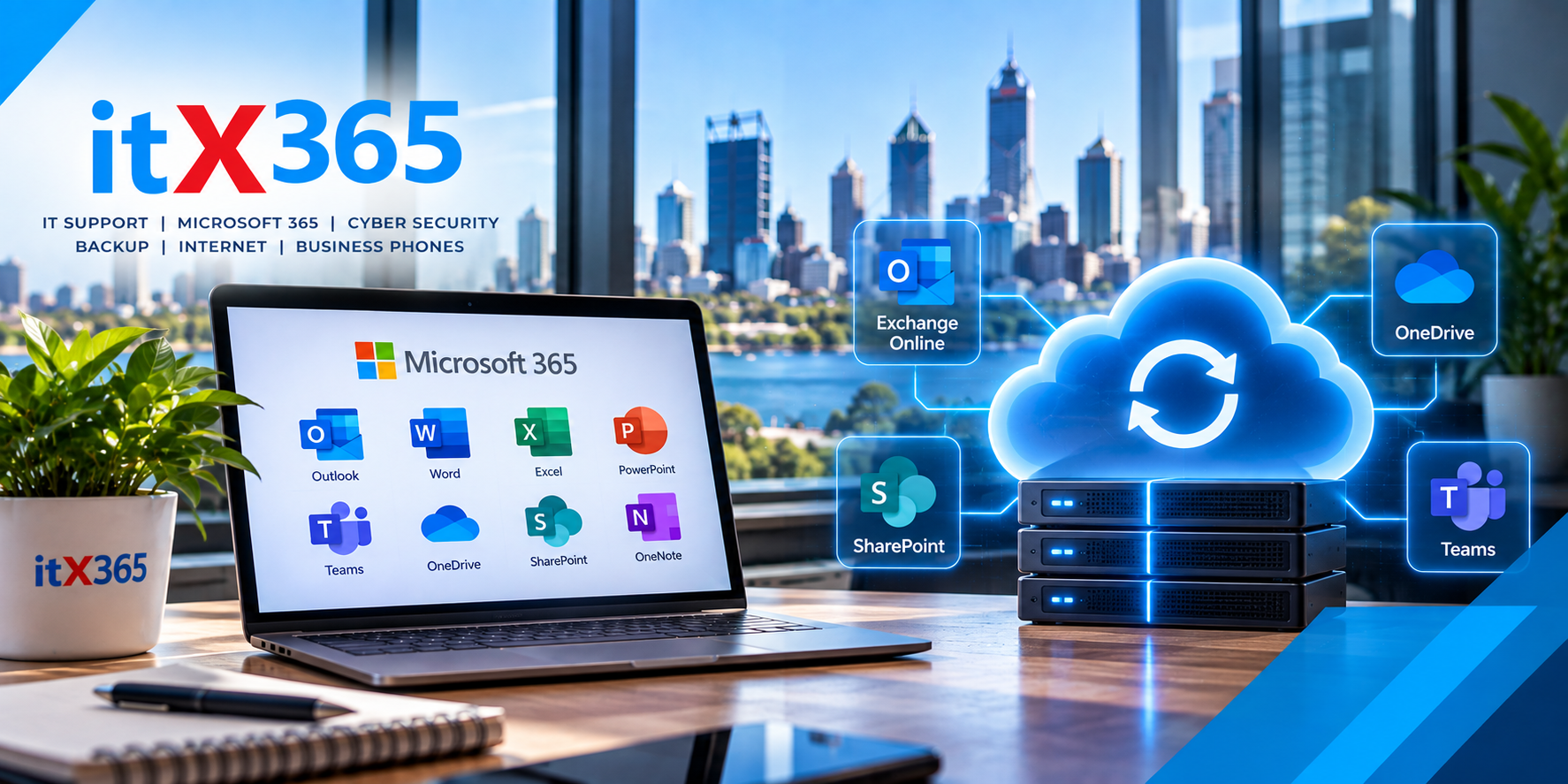
Microsoft 365 is highly resilient, but that doesn’t necessarily mean your business data is independently backed up. Learn about Microsoft 365 backup, retention and recovery.

Why multi-factor authentication is essential for small businesses and how MFA helps protect Microsoft 365, company data and user accounts.
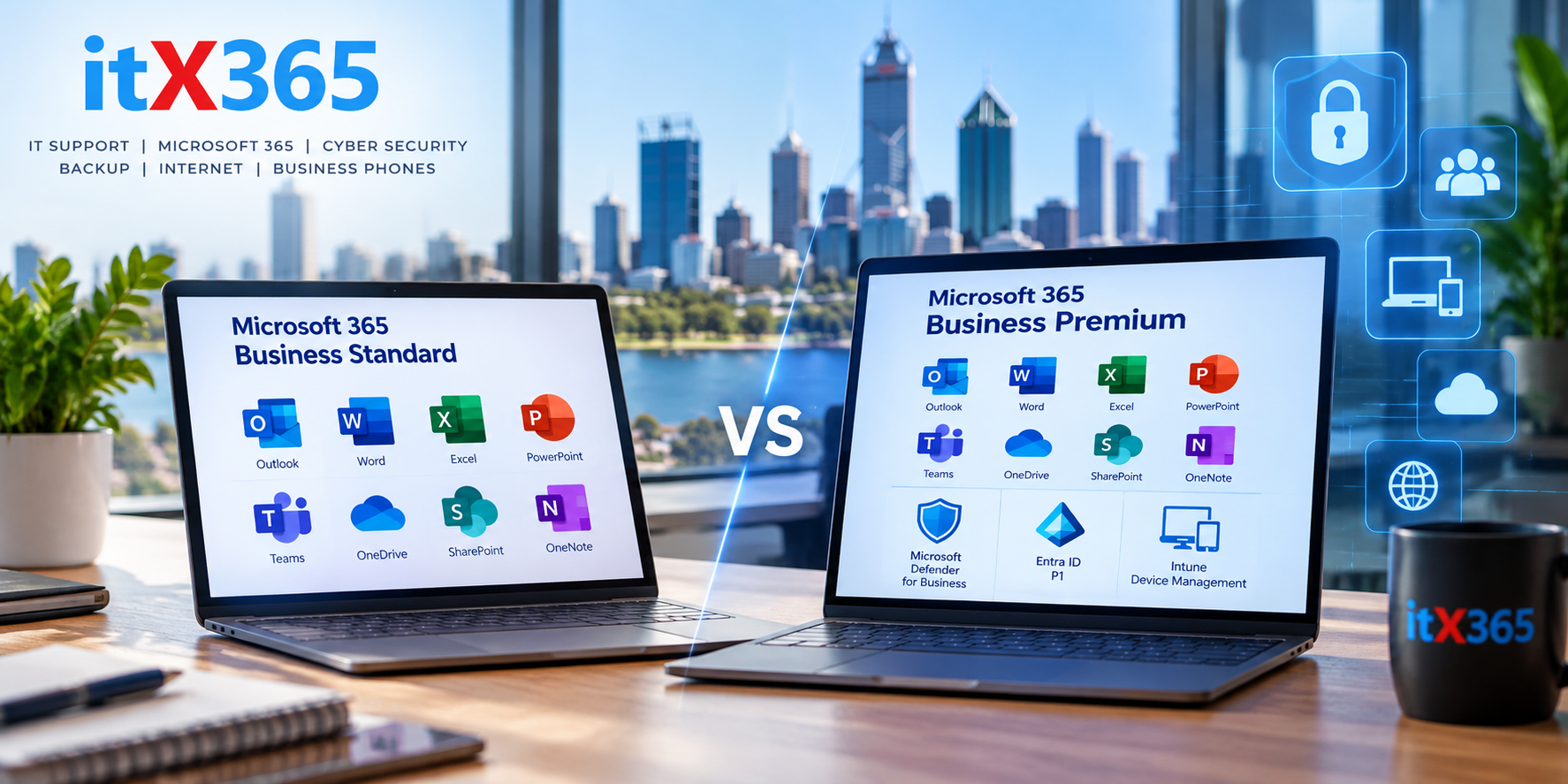
Microsoft 365 is at the centre of many small businesses. It provides familiar applications such as Outlook, Word, Excel, Teams, OneDrive and SharePoint, but choosing the right Microsoft 365 licence isn’t always straightforward. Two of the most common options for small and medium businesses are Microsoft 365 Business Standard and Microsoft 365 Business Premium. At […]

For many small businesses, IT support traditionally meant having someone to call when a computer stopped working, emails disappeared or the internet went down. That approach might have worked when technology played a smaller role in day-to-day business. Today, most businesses depend on technology for almost everything they do. Email, Microsoft 365, cloud applications, internet […]