

Why MFA Is No Longer Optional for Small Businesses
Passwords have protected computer accounts for decades.
Unfortunately, a password on its own is no longer enough to adequately protect important business information.
Employees use Microsoft 365, cloud accounting systems, online banking, CRM platforms and dozens of other online services. If an attacker obtains the password to one of these accounts, they may be able to access sensitive business information without ever touching the employee’s computer.
That’s why Multi-Factor Authentication (MFA) has become one of the most important basic cybersecurity controls for businesses.
What is Multi-Factor Authentication?
Multi-Factor Authentication adds another verification step when someone signs into an account.
Instead of relying only on something you know — your password — the system asks for another form of verification.
This might include:
- An authentication app on your phone
- A security key
- A biometric such as a fingerprint
- A passkey
- A temporary verification code
The important difference is that stealing the password alone may no longer be enough to access the account.
Why aren’t passwords enough anymore?
The problem isn’t necessarily that employees choose terrible passwords.
Even a strong password can be compromised.
Passwords can be exposed through phishing attacks, malware, compromised websites and other data breaches.
An employee might also be presented with a convincing fake Microsoft 365 login page and unknowingly provide their credentials directly to an attacker.
Without additional protection, those credentials could potentially be used to access the employee’s account.
MFA creates another obstacle.
What happens when a Microsoft 365 account is compromised?
A compromised Microsoft 365 account can be much more serious than somebody simply reading a few emails.
Depending on the user’s permissions and the organisation’s configuration, an attacker may gain access to email, OneDrive files, SharePoint information and other company resources.
Email accounts are particularly valuable because attackers can use them to impersonate employees.
For example, an attacker could monitor an email conversation involving an invoice and then attempt to substitute different banking details.
Because the message appears to come from a legitimate company account, these attacks can be extremely convincing.
MFA significantly improves account security
With MFA enabled, knowing the username and password may no longer be sufficient.
The attacker also needs to satisfy the additional authentication requirement.
This makes many common account-compromise attacks considerably more difficult.
However, it’s important to understand that not all MFA methods provide the same level of protection.
SMS vs authenticator apps
One of the earliest widely adopted MFA methods was sending a verification code via SMS.
SMS verification is generally better than protecting an account with only a password, but stronger authentication methods are now available.
Authenticator applications such as Microsoft Authenticator can provide a better authentication experience and support more modern security capabilities.
Instead of receiving a text message containing a code, the employee verifies the authentication request using an application registered to their account.
For businesses using Microsoft 365, moving away from reliance on SMS authentication is a sensible part of improving account security.
MFA isn’t completely phishing-proof
This is an important point.
Simply enabling MFA doesn’t mean an account can never be compromised.
Attackers have developed techniques designed to trick users into approving fraudulent authentication requests or providing authentication information through sophisticated phishing websites.
That’s why MFA should be considered one layer of security rather than the entire security strategy.
Modern identity security can go further by considering factors such as the user, device, location and risk associated with a login attempt.
Microsoft 365 Business Premium, for example, provides additional identity and device-management capabilities that can be used to build stronger access policies.
Related: Microsoft 365 Business Standard vs Business Premium: Which Does Your Business Need?
Be careful with unexpected authentication requests
One simple rule can prevent a lot of trouble:
If you aren’t trying to sign in, don’t approve an authentication request.
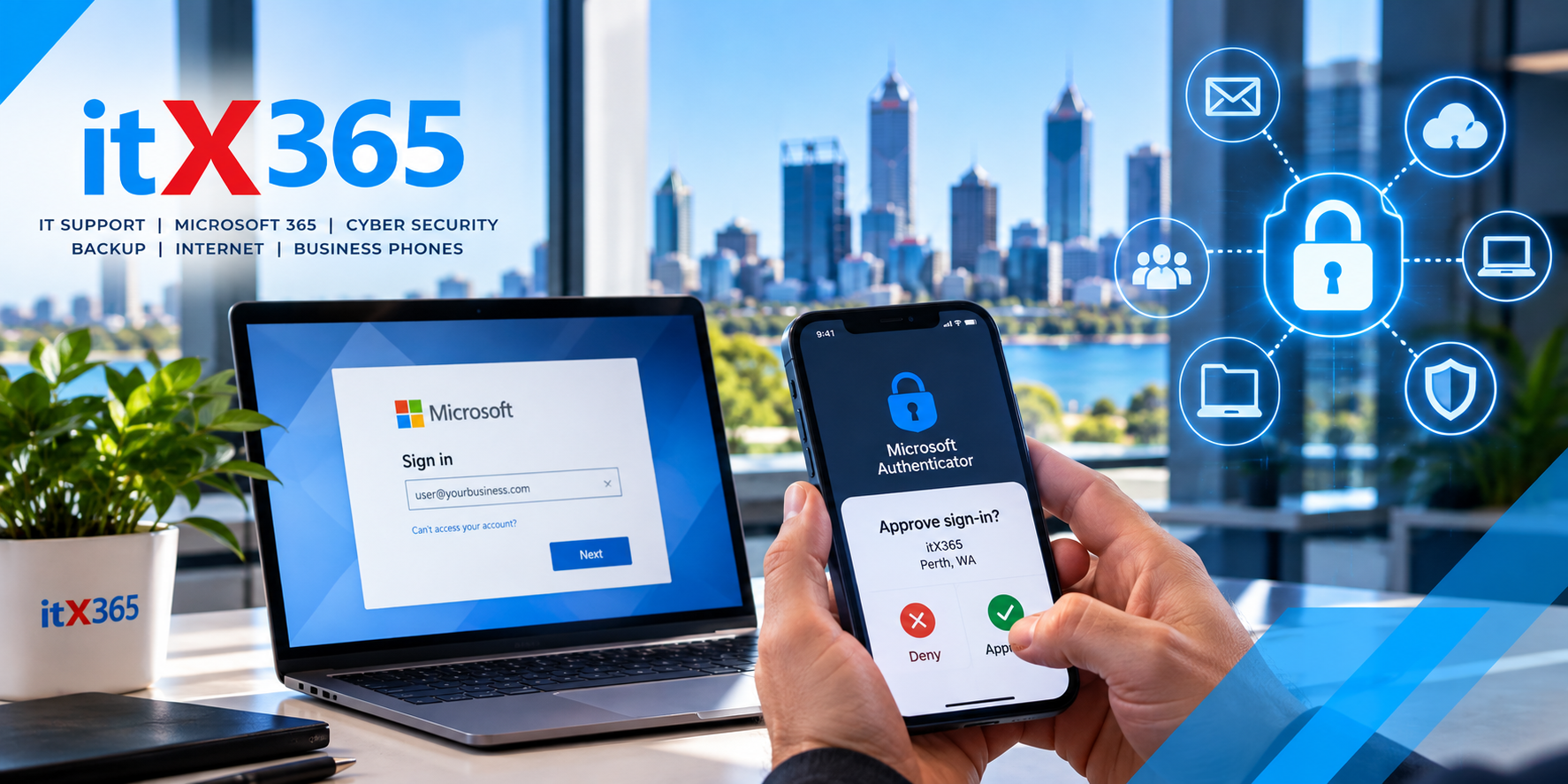
If an unexpected Microsoft Authenticator notification appears on your phone, somebody may be attempting to access your account.
Don’t simply approve the request to make the notification disappear.
If you’re unsure why you’re receiving authentication requests, contact your IT provider.
MFA should also protect administrator accounts
Administrator accounts deserve particular attention.
These accounts can potentially make significant changes to a company’s systems and security configuration.
An administrator account compromised by an attacker can therefore create considerably more risk than an ordinary user account.
Businesses should minimise unnecessary administrator access and ensure privileged accounts are appropriately protected.
The principle is straightforward:
Users should only have the access they actually need to perform their job.
What about shared accounts?
Businesses sometimes create a single username and password and give it to several employees.
This creates security and accountability problems.
Where possible, employees should have their own identities and permissions rather than sharing login credentials.
This makes it easier to control access when somebody joins or leaves the organisation and provides better visibility into who has access to company information.
MFA is only one layer of cybersecurity
MFA is extremely important, but businesses shouldn’t stop there.
A sensible cybersecurity strategy can include:
- Multi-Factor Authentication
- Endpoint protection
- Email security
- Managed firewalls
- DNS and web filtering
- Security updates
- Device management
- Access controls
- Backups
- Security monitoring
No individual security product can eliminate every risk.
The objective is to create multiple layers so that the failure of one control doesn’t automatically result in a serious security incident.
Who should have MFA enabled?
For most businesses, the answer is simple:
Everyone.
If an account provides access to business information, it should generally have appropriate authentication protection.
This is particularly important for Microsoft 365 because email, OneDrive, SharePoint and Teams can contain a significant amount of sensitive company information.
Don’t wait for an account compromise
Cybersecurity improvements are much easier to implement before an incident occurs.
If your business is still relying primarily on usernames and passwords, MFA is one of the most important security improvements you can make.
But enabling MFA is only the beginning.
Businesses should also consider how authentication, device security, Microsoft 365, backups and network security work together as part of their overall cybersecurity strategy.
Protecting Microsoft 365 with itX365
At itX365, we help Perth businesses manage and secure their Microsoft 365 environments as part of our managed IT services.
This includes helping businesses implement appropriate authentication, Microsoft 365 security, device protection and other cybersecurity controls based on their requirements.
Technology security doesn’t need to become complicated for employees.
The goal is to make the secure way of working the normal way of working.
Concerned about the security of your Microsoft 365 environment?
Talk to itX365 about reviewing your current Microsoft 365 security configuration.